

Tutorials — Tutorial
Quick Guide: Loading Choptones Presets & IRs on the Fender Tone Master Pro
Posted by Choptones on


Introduction This guide shows you how to load your Choptones Tone Master Pro presets and Cabinet IRs onto your Fender Tone Master Pro. Importing presets and IRs is done with the Tone Master Pro Control desktop app (Mac or Windows) over USB-C. Note: the phone/tablet app cannot import your own presets or IRs, so use the desktop app for this. Loading Choptones Presets on the Tone Master Pro 1 - Install the Tone Master Pro Control app on your Mac or Windows computer (from Fender) and connect the Tone Master Pro with a USB-C data cable.2 - Unzip the Choptones...
How to Get Your Choptones Quad Cortex Presets (via Cortex Cloud)
Posted by Choptones on


Introduction Your Choptones Quad Cortex packs are delivered through Cortex Cloud (Neural DSP's cloud), not by USB cable. This short guide shows you exactly how to receive your presets and load them onto your Quad Cortex. The Neural Captures are already inside the presets, so they travel with them automatically. If your pack also uses Cabinet IRs, those are provided as a separate download from our website right after your purchase (note: not every pack needs IRs). Step 1 - Your Cortex Cloud account 1 - You most likely already have a Cortex Cloud account: it is the Neural DSP...
Boss GT-1000: A Simplified Guide to Loading Patches & IRs
Posted by Livio Colucci on

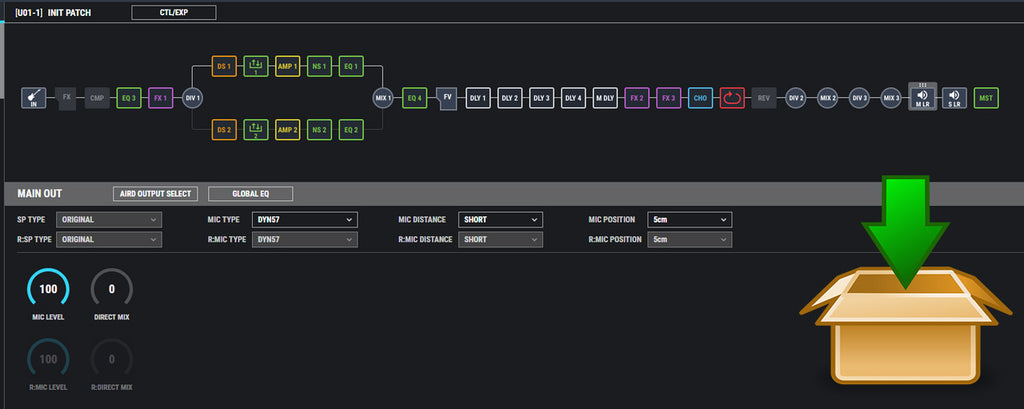
Eager to customise and diversify your guitar tones? You're in the right place! In this guide, we'll lead you through uploading Patches and IRs onto your Boss GT-1000. With the GT-1000 IR Loader app and a few simple steps, you're on your way to a richer musical experience. Check out our specially tailored selection of patches and IRs for a unique auditory experience! Step-by-Step Instructions Unlock the full potential of your guitar tones with these steps: Step 1: Download and Install the GT-1000 IR Loader First, grab the GT-1000 IR Loader application from the Boss website, ensuring you choose the...
How to Load Patches and IRs in the NUX Mighty Plug Pro and Mighty Space
Posted by Livio Colucci on

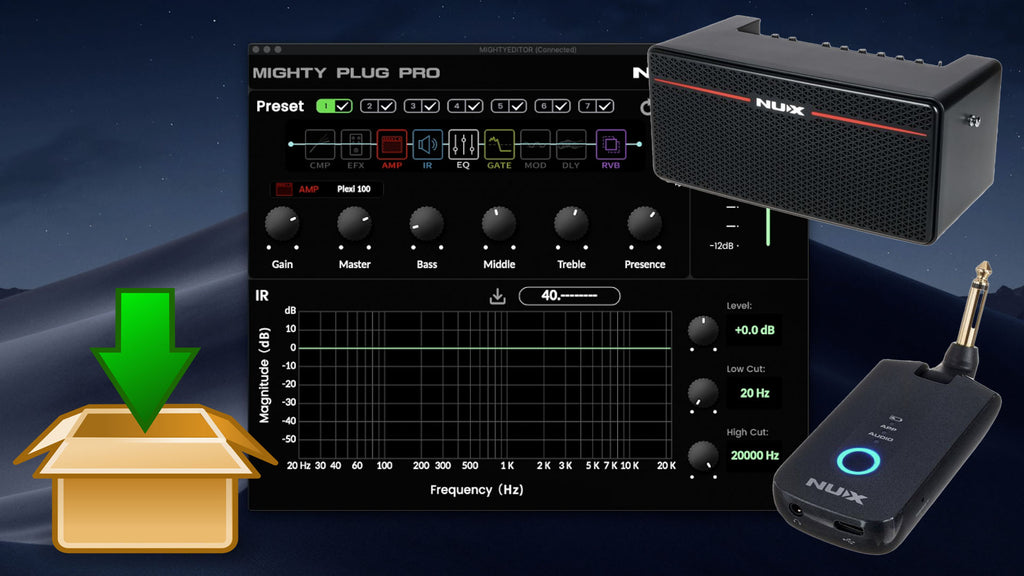
The NUX Mighty Plug Pro is an amazing and ultra-portable amp modeler. Whether you're a proud owner or a potential buyer, with the NUX Mighty Editor software, you can adjust parameters, import patches, load external IRs, and orchestrate the audio routing via USB. This easy walkthrough aims to instruct you on how to upload third-party patches and IRs to your Nux Mighty Plug Pro or Mighty Space. As a dedicated guitarist, you are constantly in pursuit of top-tier patches and IRs for your device to authentically mirror your musical persona. In our search for the finest in the market for...
Valeton GP-100: An All-Inclusive Guide to Loading Patches & IRs
Posted by Livio Colucci on

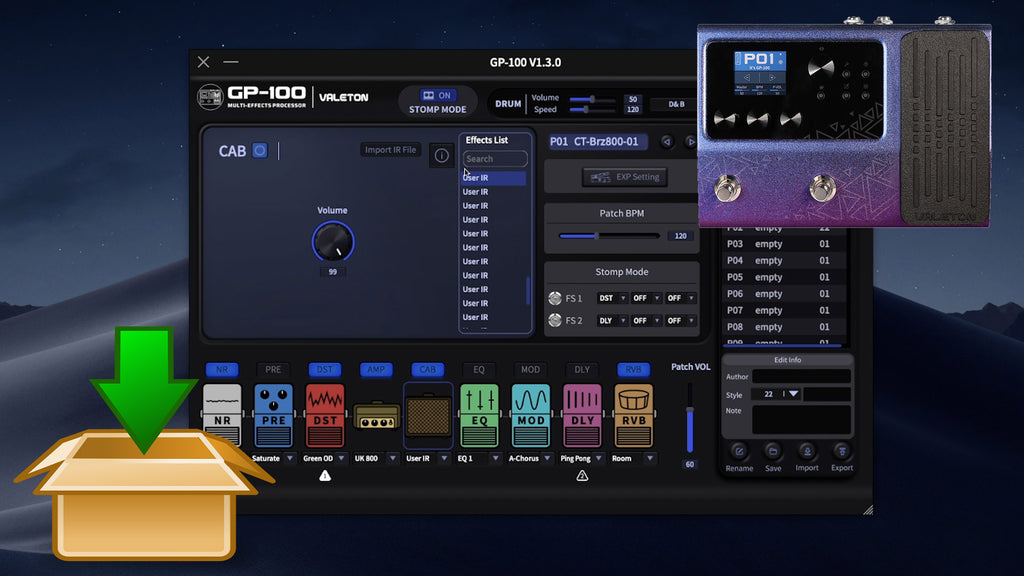
Guitarists across skill levels are enamored with the compact, affordable, and power-packed Valeton GP-100. If you're ready to delve deeper into the potential of your device, we're here to guide you through the process of loading patches and Impulse Responses (IRs). So, let's unlock your musical explorations! Getting Started Download and install the Valeton GP-100 software on your PC and connect your Valeton GP-100 device with the supplied cable. Uploading Patches Follow these easy steps: Click the "Import" button in the software. Select your .prst patch file. Pick an empty slot from your patch list for import. Confirm the import...