

Tutorials — Tutorial
Maximize Your Valeton GP-200: A Tutorial on Loading Patches & IRs
Posted by Livio Colucci on

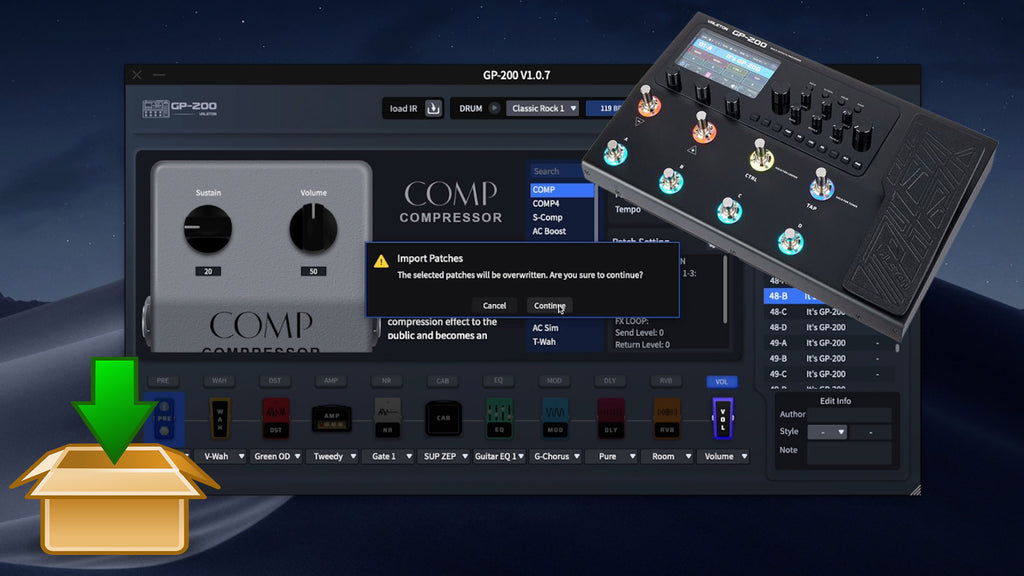
For the proud owners of the renowned Valeton GP-200, this guide walks you through the process of importing patches and integrating custom Impulse Responses (IRs). Let's enhance your musical journey together! Step 1: Download and Install the Valeton GP-200 Software Download and install the Valeton GP-200 software on your PC and connect your Valeton GP-200 device using the supplied cable. Step 2: Uploading Your Patches To upload patches, select the patch and click "Import" in the software. Choose your .prst patch file and select an empty slot from your patch list to confirm the import. Step 3: Loading Impulse Responses...
Supercharge Your Sound: Importing Patches & IRs to Mooer GE300
Posted by Livio Colucci on

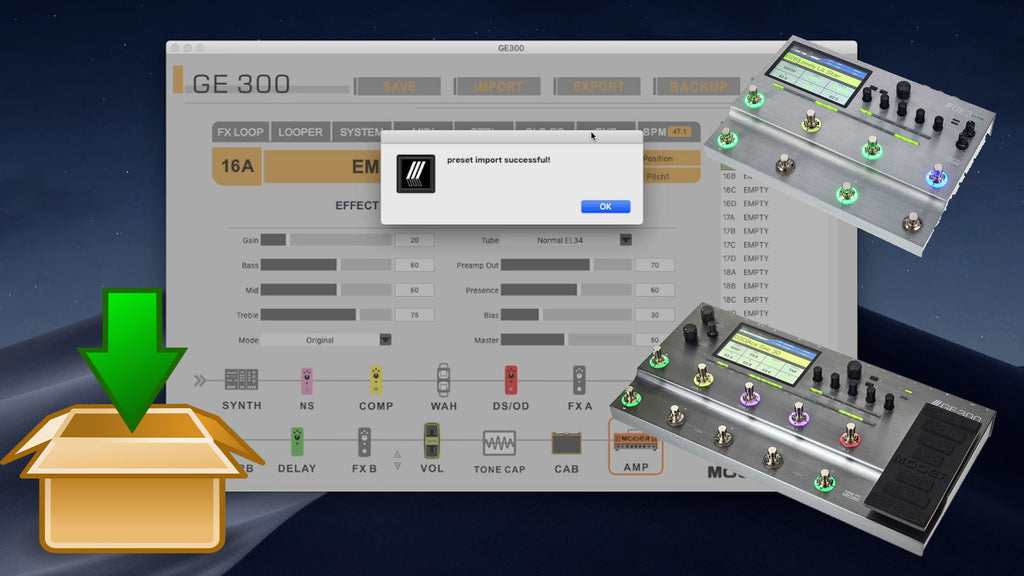
Welcome, guitarist! If you're aiming to enhance your performance with the Mooer GE300, you've come to the right place. This guide will offer a detailed walkthrough on importing patches and IRs into this feature-rich instrument processor using the Mooer Studio editor. We've also included our selection of best-in-class patches and IRs, each promising to mesmerize you with their high-quality sound. The same procedure applies at the Mooer GE300 lite as well! Getting Started Begin by connecting your Mooer GE300 to your PC via a USB cable and downloading the Mooer Studio for GE300 software. Importing Presets Launch the Mooer Studio...
Elevate Your Sound with NUX Devices: A Simple Guide to Load Patches and IRs
Posted by Livio Colucci on

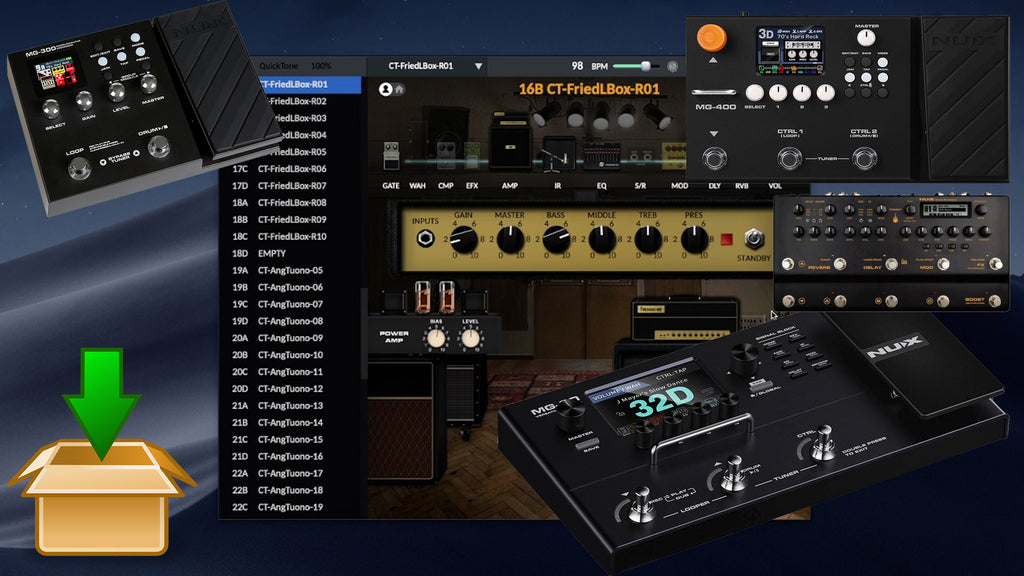
The Nux MG-30 is your go-to tool for recording, practice sessions, and stellar on-stage performances. Whether you're a proud owner or a potential buyer, with the NUX QuickTone Editor software, you can adjust parameters, import patches, load external IRs, and orchestrate the audio routing via USB. This easy walkthrough aims to instruct you on how to upload third-party patches and IRs to your Nux MG-30. As a dedicated guitarist, you are constantly in pursuit of top-tier patches and IRs for your Nux MG-30 to authentically mirror your musical persona. In our search for the finest in the market for your...
How to Forge Your Tone with the Mooer GE200
Posted by Livio Colucci on

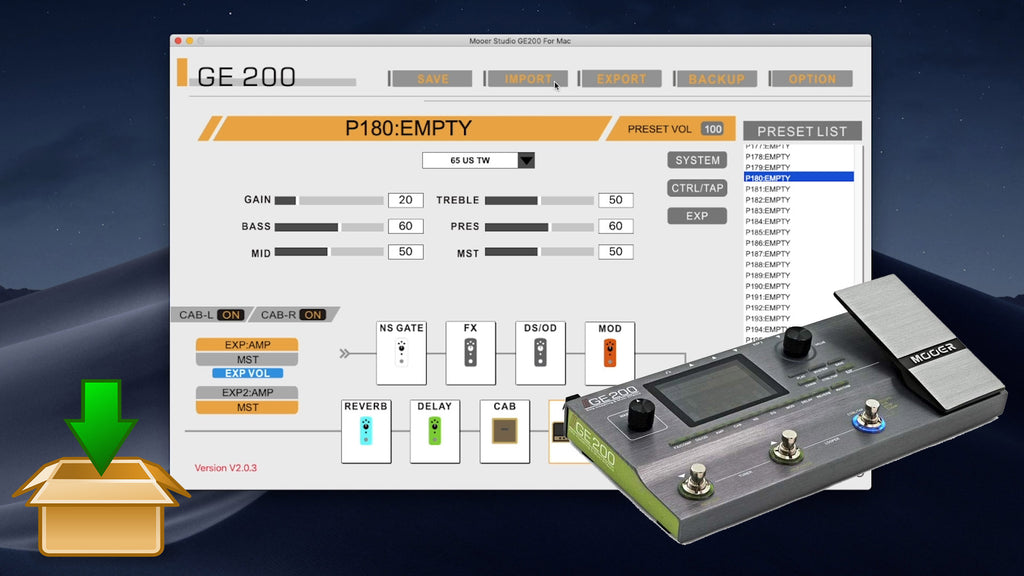
Prepare for a tonal revolution with the Mooer GE200 multi-effects unit – your passport to unprecedented guitar soundscapes. This tutorial will guide you, step by step, on how to load customized patches and import Impulse Responses (IRs) into the GE200 to create your unique sonic identity. Step-by-Step Guide: Loading Patches 🛍️ Product Suur 100SE vol2 for GE200 Suur 100SE vol2 for Mooer GE200 The Choptones Suur 100SE vol2 for Mooer GE Series combines the quality of Mooer devices with the amazing Choptones MNR... by ChopTones ✓ Available 🛒 View Product Scout for Patches: Start your quest for unique patches within...
Importing Patches and IRs to the Harley Benton DNAfx GiT Pro (and Flamma FX200)
Posted by Livio Colucci on

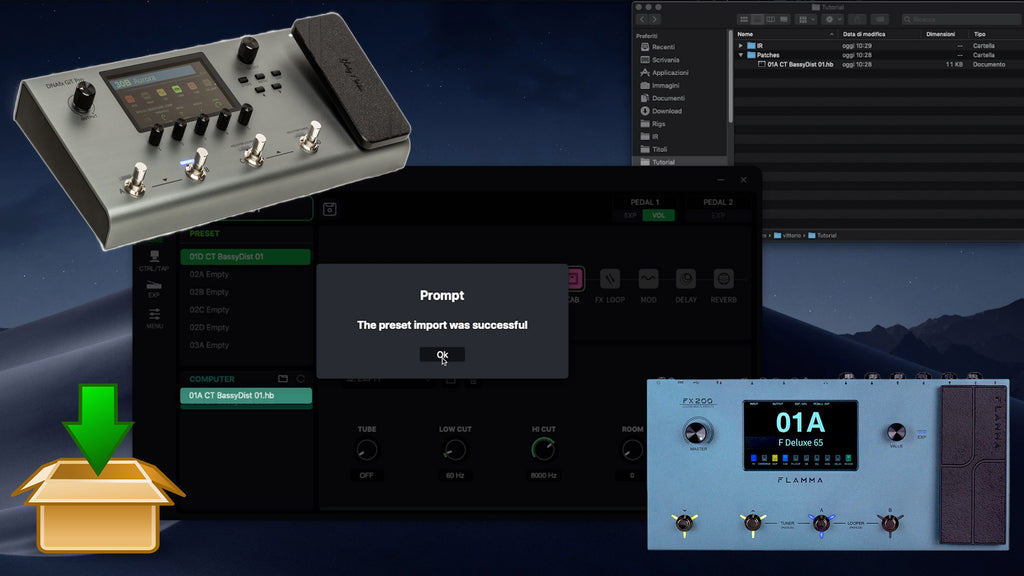
The Harley Benton DNAfx GiT Pro multi-effects processor offers a world of possibilities for guitarists. Knowing how to import your own patches and Impulse Response (IR) files can put the ultimate tone customization at your fingertips. Read on to find out how. Note: A similar procedure might be used with the Flamma FX200 Patches and IRs for Your Harley Benton DNAfx GiT Pro Crafting a unique sound starts with quality patches and IRs. Check out these excellent resources (affiliate links included): Patches: Link Impulse Responses (IRs): Link Importing Presets to the Harley Benton DNAfx GiT Pro Adding custom presets to...